Add Grid to Photo Online
Add rows, columns, labels, diagonals, and transparent grid lines to a reference photo without installing software. Your reference image is processed in your browser by default.
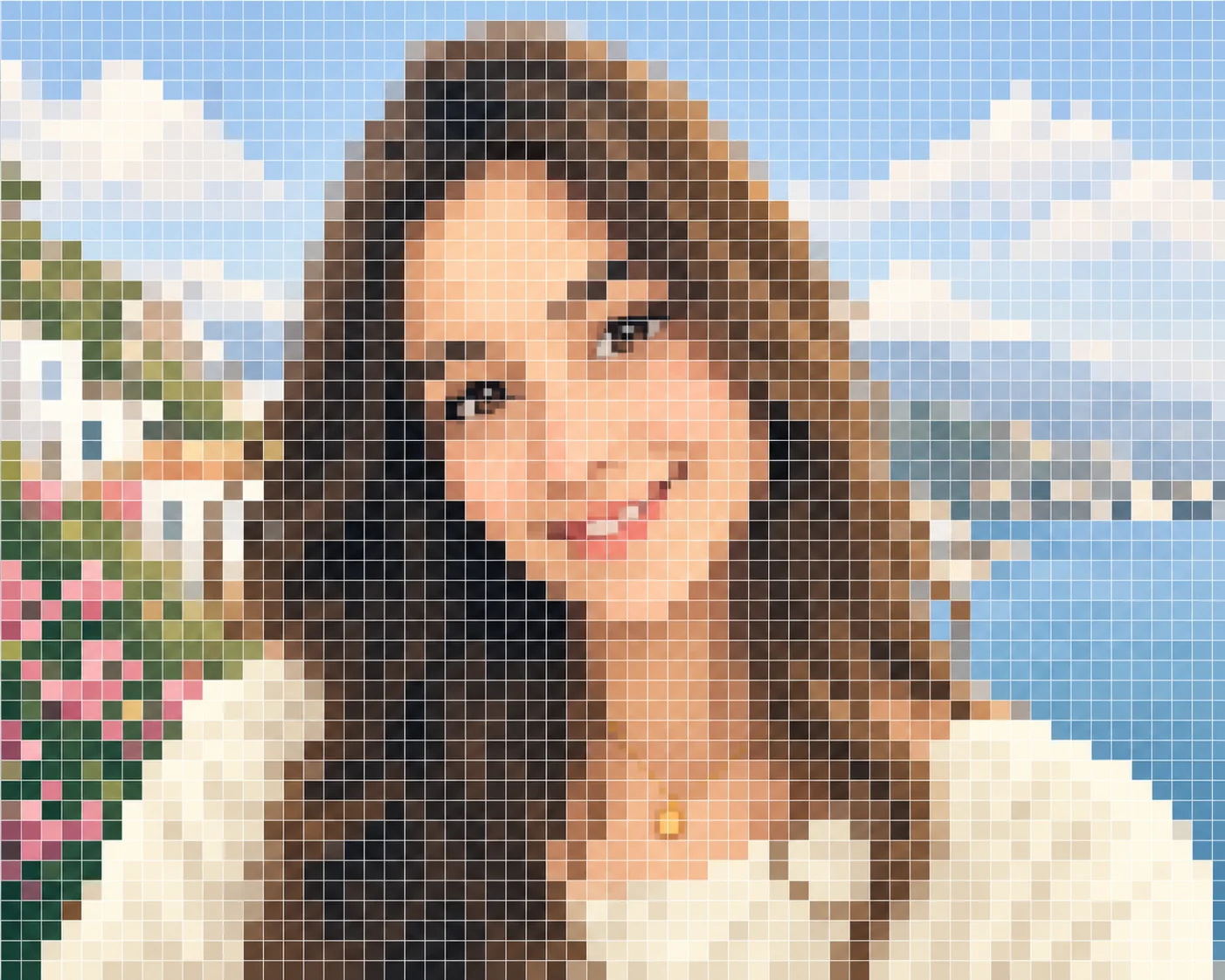
A full-bleed pixel-style grid made from your uploaded photo
The demo uses the photo you uploaded and presents it as a full-cover pixel grid reference, suitable for visual planning, drawing reference, and craft-style previews.
How to use Add grid to photo
- Upload a reference photo.
- Set rows, columns, and line opacity.
- Add labels or diagonal guides when they help transfer accuracy.
- Download the gridded photo for drawing or printing.
Add grid to photo FAQ
Can I use this for drawing transfer and photo markup?
Yes. The page focuses on grid overlays and printable-style references for drawing transfer and photo markup.
Is my image uploaded to a server?
Core grid overlay processing happens in your browser by default; your image is not required to be uploaded for the basic export flow.
Can I change rows, columns, and line style?
Yes. Use grid controls to adjust rows, columns, opacity, labels, and guide style where available.
Use the full editor when you are ready to export
This SEO page explains Add grid to photo and renders its how-to steps and FAQ on the server. The interactive editor remains available as a separate client-side tool for uploads, previews, and downloads.