Photo Grid Maker
A 3×3 outfit photo grid from one look
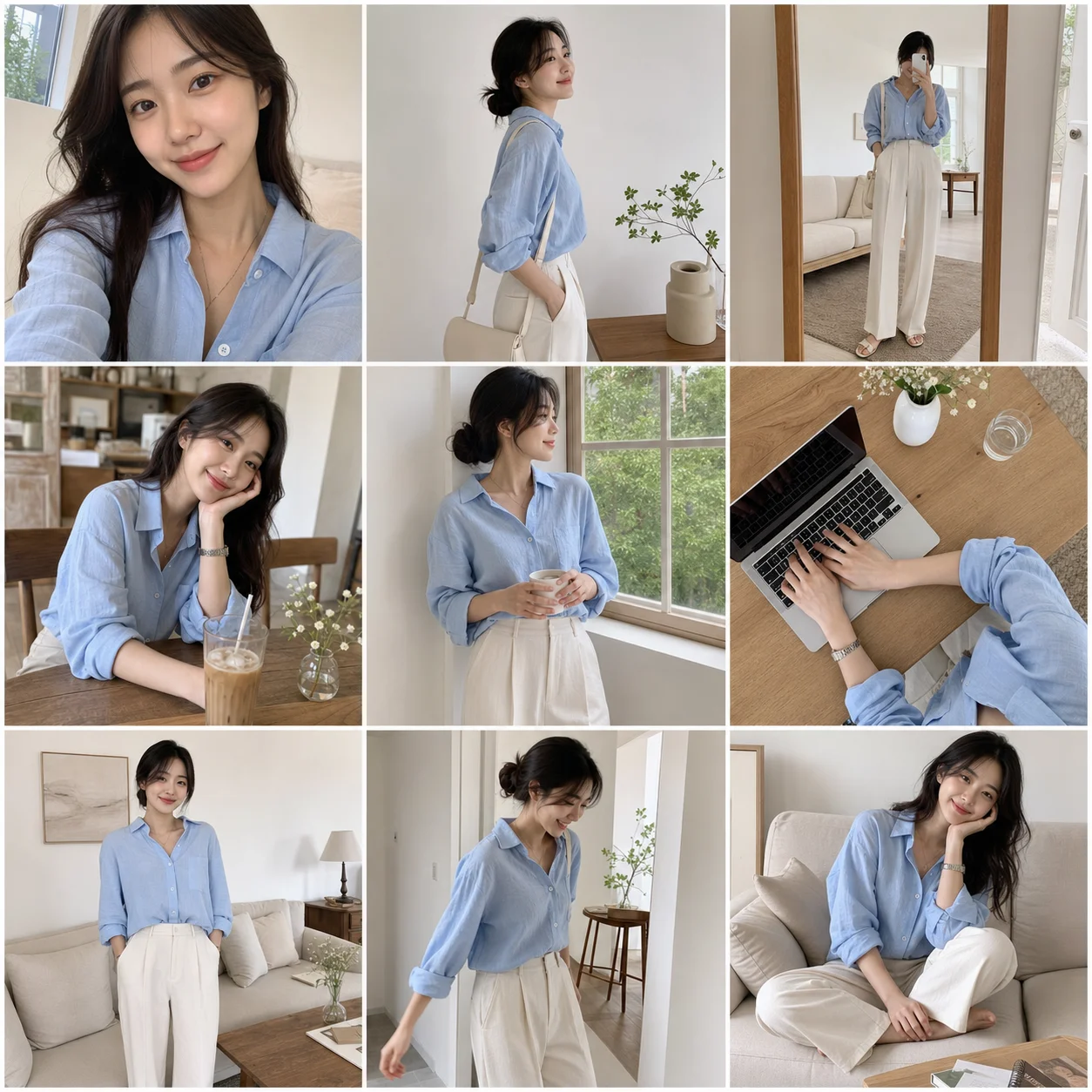


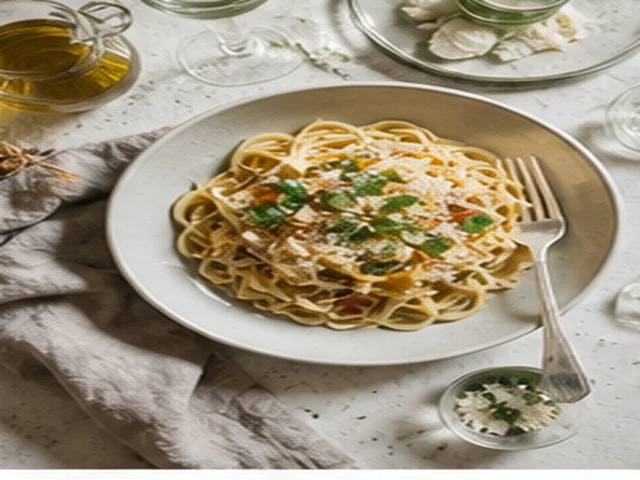
Choose horizontal and vertical counts from 1 to 9, spacing, border, and export a finished PNG/JPG grid.
Use Photo Grid Maker, Instagram Grid Splitter, Add Grid To Photo, and Pixel Grid Maker in one browser-based workspace. The SEO summary is rendered on the server; uploads, previews, and exports run in the client editor.
This is the real workbench. SEO tool pages explain each use case; every “Use tool” button now returns here with the matching tool selected.
The demo uses the photo you uploaded and presents it as a full-cover pixel grid reference, suitable for visual planning, drawing reference, and craft-style previews.
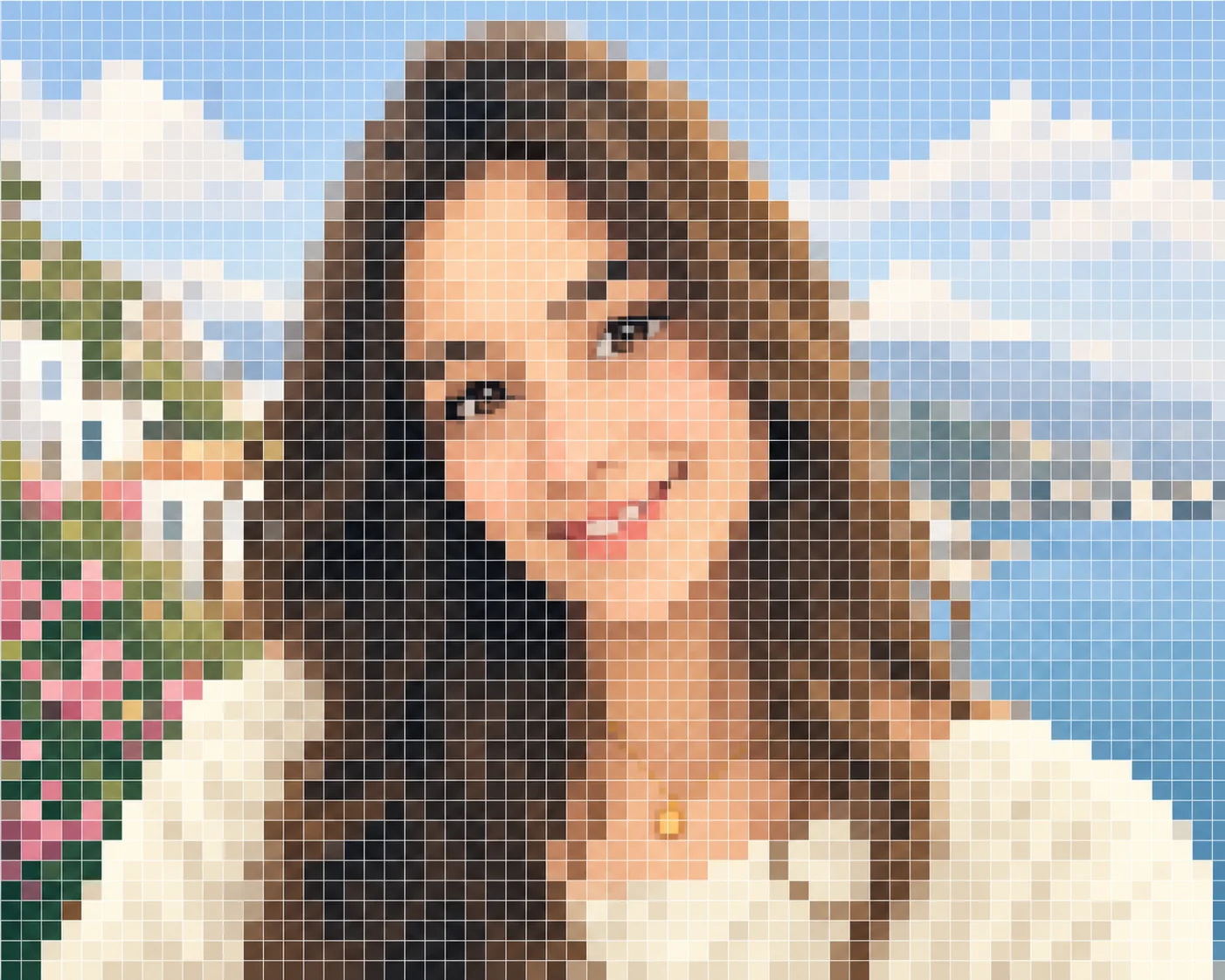
No. This tool keeps one full image and shows a grid-style overlay preview instead of cutting it into separate files.
Yes. The demo is based on the user-provided photo and the tool is designed around uploading your own image.
Instagram Grid Splitter slices one image into multiple social tiles. Add Grid To Photo keeps the image whole and adds a visual grid treatment.
It is useful for drawing references, craft planning, mural layout, classroom examples, and pixel-style visual previews.
Yes. The result preview is full-bleed so the grid treatment covers the complete image area.
A 3×3 outfit photo grid from one look
Choose horizontal and vertical counts from 1 to 9, spacing, border, and export a finished PNG/JPG grid.
One product campaign poster split into 9 real tile images

The demo uses a promo image with campaign copy, then slices it into a 3×3 grid. Export downloads 9 separate ordered tile images (tile-01 … tile-09) so a team can publish tiles in order and recreate the full poster on a profile.
A full-bleed pixel-style grid made from your uploaded photo
The demo uses the photo you uploaded and presents it as a full-cover pixel grid reference, suitable for visual planning, drawing reference, and craft-style previews.
A pixel-style reference with visible cells
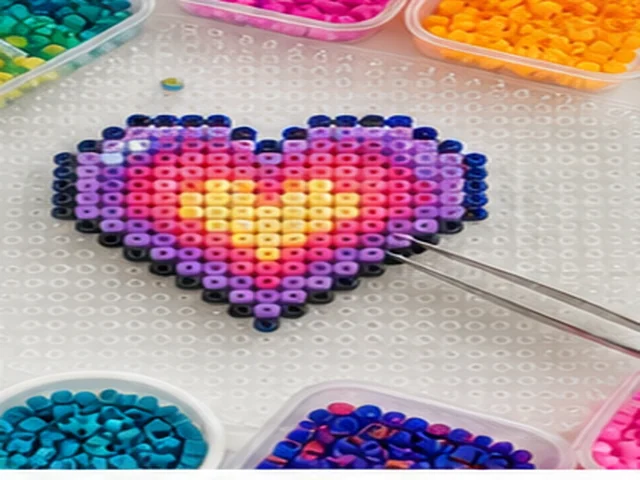
Create a browser-side pixelated reference preview by downsampling your photo, then overlaying visible cells. No AI model is used in this basic tool.