Menu
Nine-photo collage
3x3 Photo Grid Maker
Create a nine-photo collage for outfit boards, product collections, classroom examples, or mood boards with a balanced 3x3 layout.
Adjustable layoutRows and columnsBrowser-side by defaultFree core export
Here’s what you’ll make3×3

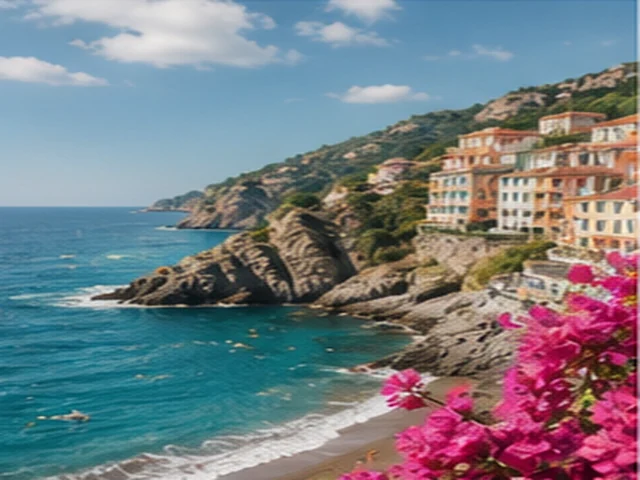

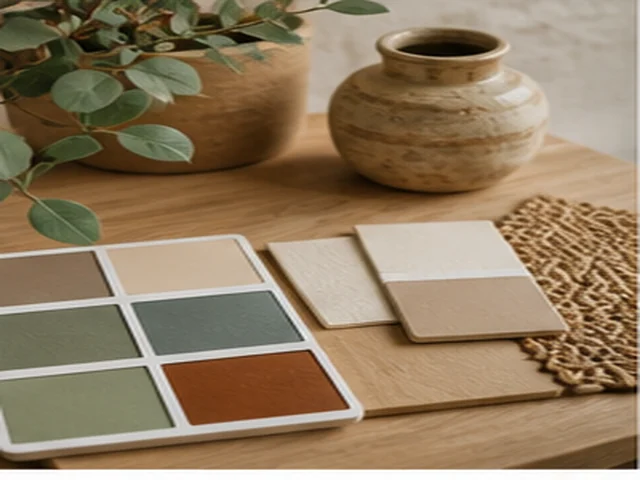


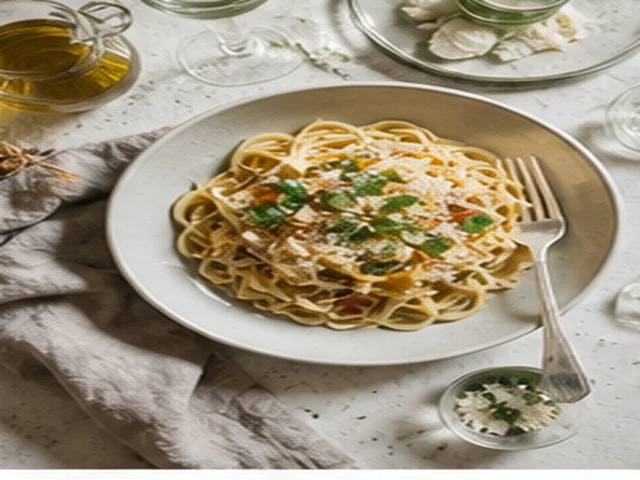
A 3×3 outfit photo grid from one look
Choose horizontal and vertical counts from 1 to 9, spacing, border, and export a finished PNG/JPG grid.
How to
How to use 3x3 photo grid
- Gather up to nine photos.
- Choose a three-by-three layout.
- Use consistent spacing for a clean board.
- Export the nine-photo collage.
FAQ
3x3 photo grid FAQ
Can I make a 3x3 photo grid without signup?
Yes. Core 3x3 grid exports are free, browser-based, and do not require an account.
Will the export have a watermark?
The core photo grid export flow is designed for clean PNG/JPG output without a visible watermark.
Can I adjust spacing and borders?
Yes. Use the editor controls to tune spacing, border thickness, background color, and grid balance before export.
Use the full editor when you are ready to export
This SEO page explains 3x3 photo grid and renders its how-to steps and FAQ on the server. The interactive editor remains available as a separate client-side tool for uploads, previews, and downloads.