Photo Grid Maker
A 3×3 outfit photo grid from one look

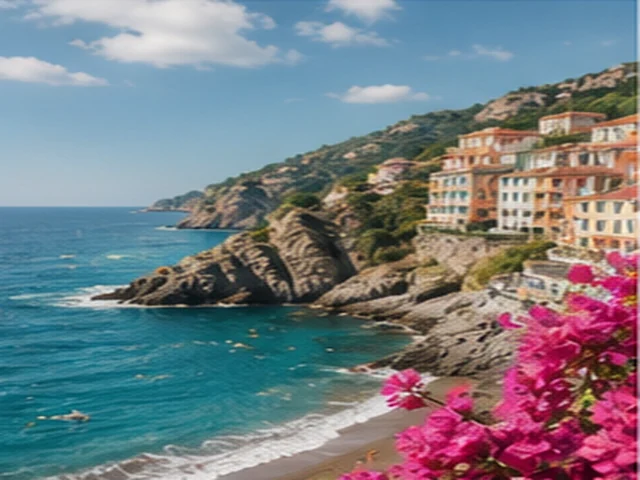

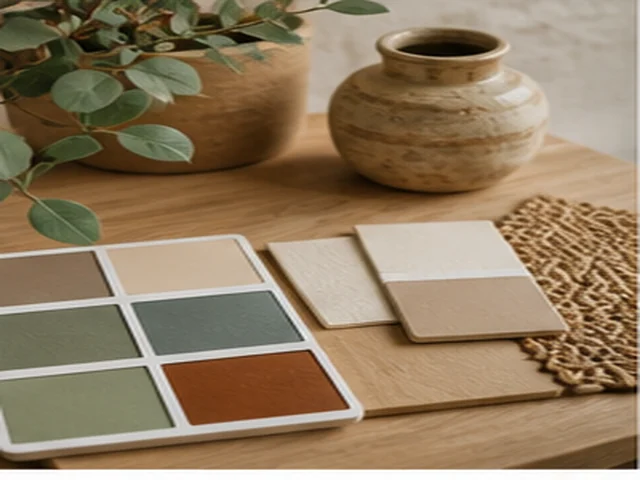


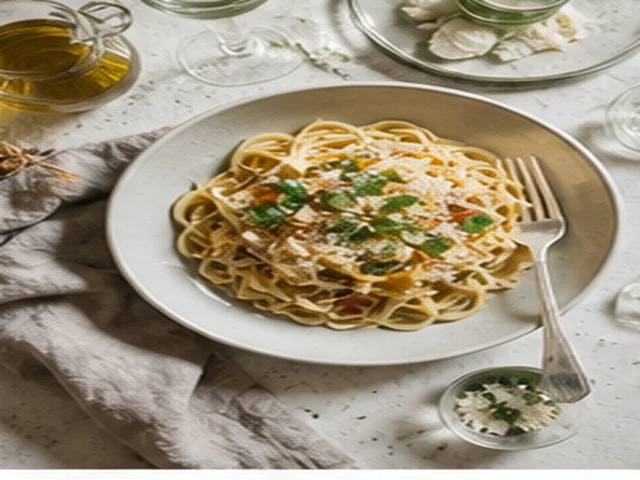
Choose horizontal and vertical counts from 1 to 9, spacing, border, and export a finished PNG/JPG grid.
Use Photo Grid Maker, Instagram Grid Splitter, Add Grid To Photo, and Pixel Grid Maker in one browser-based workspace. The SEO summary is rendered on the server; uploads, previews, and exports run in the client editor.
This is the real workbench. SEO tool pages explain each use case; every “Use tool” button now returns here with the matching tool selected.
Choose horizontal and vertical counts from 1 to 9, spacing, border, and export a finished PNG/JPG grid.
Yes. Set horizontal to 3 and vertical to 3 to make a classic nine-photo grid.
Yes. Both columns and rows support 1–9, so you can create 1×1 through 9×9 layouts.
It is mainly for combining multiple photos into one finished collage image.
Use photos with the same subject, consistent lighting, and different angles such as full-body, half-body, detail, and mirror shots.
The core grid export flow is designed for clean PNG/JPG outputs without adding a visible watermark.
A 3×3 outfit photo grid from one look
Choose horizontal and vertical counts from 1 to 9, spacing, border, and export a finished PNG/JPG grid.
One product campaign poster split into 9 real tile images

The demo uses a promo image with campaign copy, then slices it into a 3×3 grid. Export downloads 9 separate ordered tile images (tile-01 … tile-09) so a team can publish tiles in order and recreate the full poster on a profile.
A full-bleed pixel-style grid made from your uploaded photo
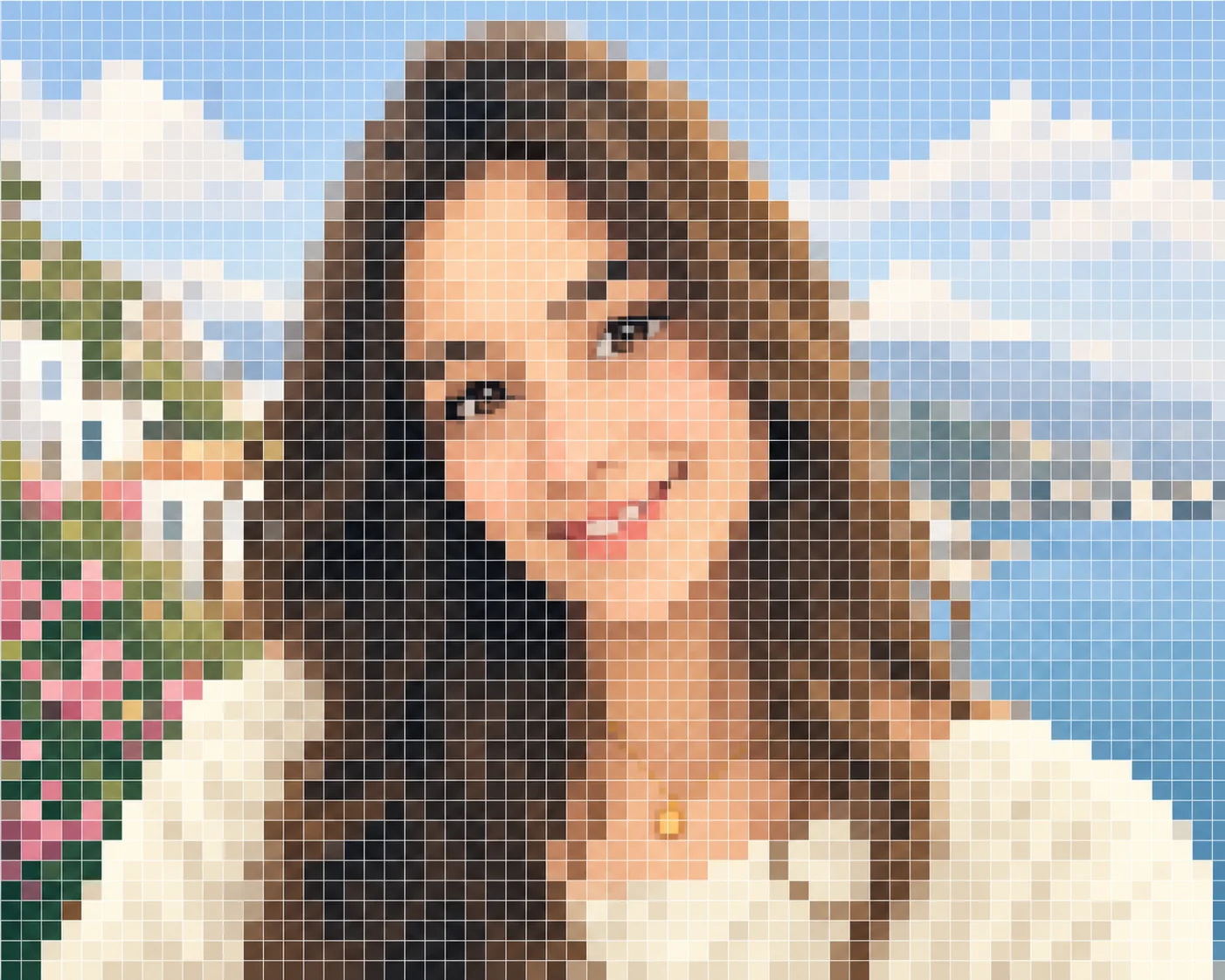
The demo uses the photo you uploaded and presents it as a full-cover pixel grid reference, suitable for visual planning, drawing reference, and craft-style previews.
A pixel-style reference with visible cells
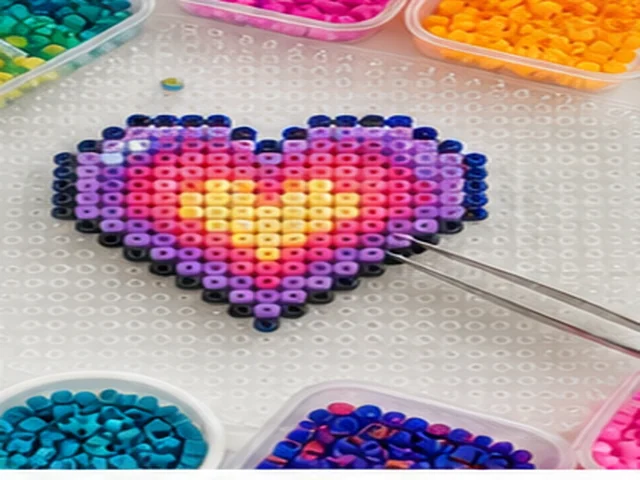
Create a browser-side pixelated reference preview by downsampling your photo, then overlaying visible cells. No AI model is used in this basic tool.